In this guide
- Start with the labels actually shown
- Build a small arithmetic bridge
- Compare like with like
- A difference can move twice
- Distinguish explanation from approval
- Check the completed reconciliation
- Worked example: a raise in gross is not the same increase in net
- Use subtraction to locate the question, not decide the rule
- A second example: the apparent contradiction
- When a simple bridge is insufficient
- Sources and scope
A lower deposit does not automatically mean lower earnings. Separate earnings, deductions and distribution before you interpret the change.
Start with the labels actually shown
Gross and net are useful ideas, but a statement may display several wage bases and subtotals. Read the exact label rather than assuming the largest number is the amount used for every tax or benefit calculation. A taxable-wage figure can differ from total earnings. This article explains a reconciliation method; it does not establish the tax treatment of any specific line.
Build a small arithmetic bridge
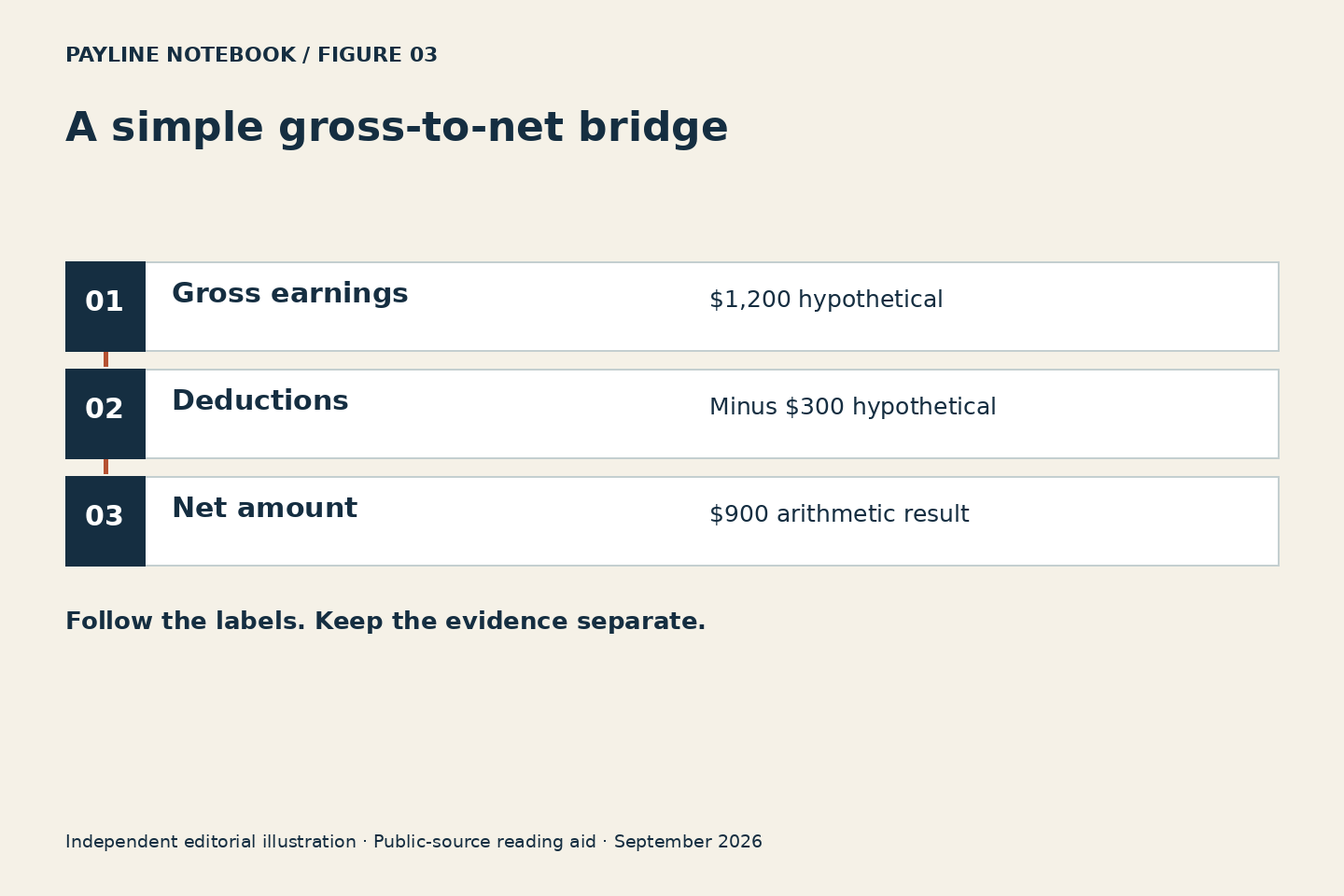
For a simple hypothetical statement, gross earnings of $1,200 minus listed deductions of $300 produces $900 net. Those are invented round numbers, not Northwell rates. The homepage tool checks this subtraction and the difference from a stated net amount. It cannot tell whether a deduction is correct, whether a line is taxable or whether an earnings category should have been included.
Compare like with like
Keep the current period in one column and the prior comparable period in another. Compare total earnings, then each deduction category, then net. Do not mix year-to-date deductions with current earnings. If a reimbursement, reversal or adjustment sits outside the displayed subtotal, ask payroll how that line participates in the statement’s own arithmetic before forcing it into your worksheet.
A difference can move twice
Suppose earnings rose while take-home pay fell. That is possible if deductions also changed. It does not prove the deductions were appropriate. Your task is to isolate the contribution of each change so the right question reaches payroll. Write “earnings increased by X; deductions increased by Y” rather than collapsing the result into “my raise disappeared.” Keep the statement labels beside every figure.
Distinguish explanation from approval
When someone explains that a line is a deduction, you still may need its purpose, period and authorization basis. When someone explains a tax line, you may need the applicable tax resource or a qualified adviser. The IRS withholding estimator is an official separate tool with its own limits. Our arithmetic helper does not replace it or recommend a Form W-4 setting.
Check the completed reconciliation
Your worksheet should either reproduce the statement’s subtotal or show a clearly labeled unresolved difference. Do not change a number merely to make the result balance. Use the unexplained amount as a focused question, retaining the original records. Once the answer arrives, annotate the method so that next period’s review uses the same definitions instead of repeating the uncertainty.
Worked example: a raise in gross is not the same increase in net
| Line | Earlier | Later | Change |
|---|---|---|---|
| Gross | 1,200 | 1,260 | +60 |
| Deductions | 300 | 330 | +30 |
| Net | 900 | 930 | +30 |
The later net is $30 higher because the $60 earnings increase is accompanied by $30 more in deductions. This explains the arithmetic without explaining why either component changed. The next question belongs to the deduction line or lines responsible for that $30, not to the subtraction itself. Keep that distinction when using the homepage calculator.
Use subtraction to locate the question, not decide the rule
The federal recordkeeping source treats earnings and additions or deductions as distinguishable records. That supports the reading method of separating them before interpreting the final amount. The IRS withholding resource supplies a different kind of help: a tax-specific estimate using its stated inputs and limits. Our tool intentionally stays on the arithmetic side of that boundary. A result showing a $30 deduction change tells you where to ask for an explanation; it cannot decide whether the tax or benefit treatment behind that change is correct.
A second example: the apparent contradiction
Suppose a hypothetical earlier statement shows $1,500 gross, $300 deductions and $1,200 net. A later statement shows $1,600 gross, $450 deductions and $1,150 net. Gross rose by $100, deductions rose by $150, and net fell by $50. All three observations can be true at once. The useful follow-up is to identify the deduction components responsible for the $150 increase. Do not describe the entire increase as tax unless the actual labeled lines support that conclusion, and do not assume the net decrease means the earnings increase was never applied.
When a simple bridge is insufficient
Some statements include reimbursements, reversals, multiple wage bases or adjustments that do not fit a single gross-minus-deductions reading. The safe response is not to force those figures into the calculator. Ask how the statement defines its displayed subtotals and which lines feed the net amount. Record that method alongside the source document. The calculator rejects unsupported input formats and displays differences, but its numerical precision is not evidence that the model matches a complex record. A transparent limitation is more valuable than an exact-looking answer produced from the wrong components.
Continue with Earnings Codes: Ask What a Line Means Before Combining It, or Payroll Deductions: Read Purpose, Timing and Authorization Separately.